
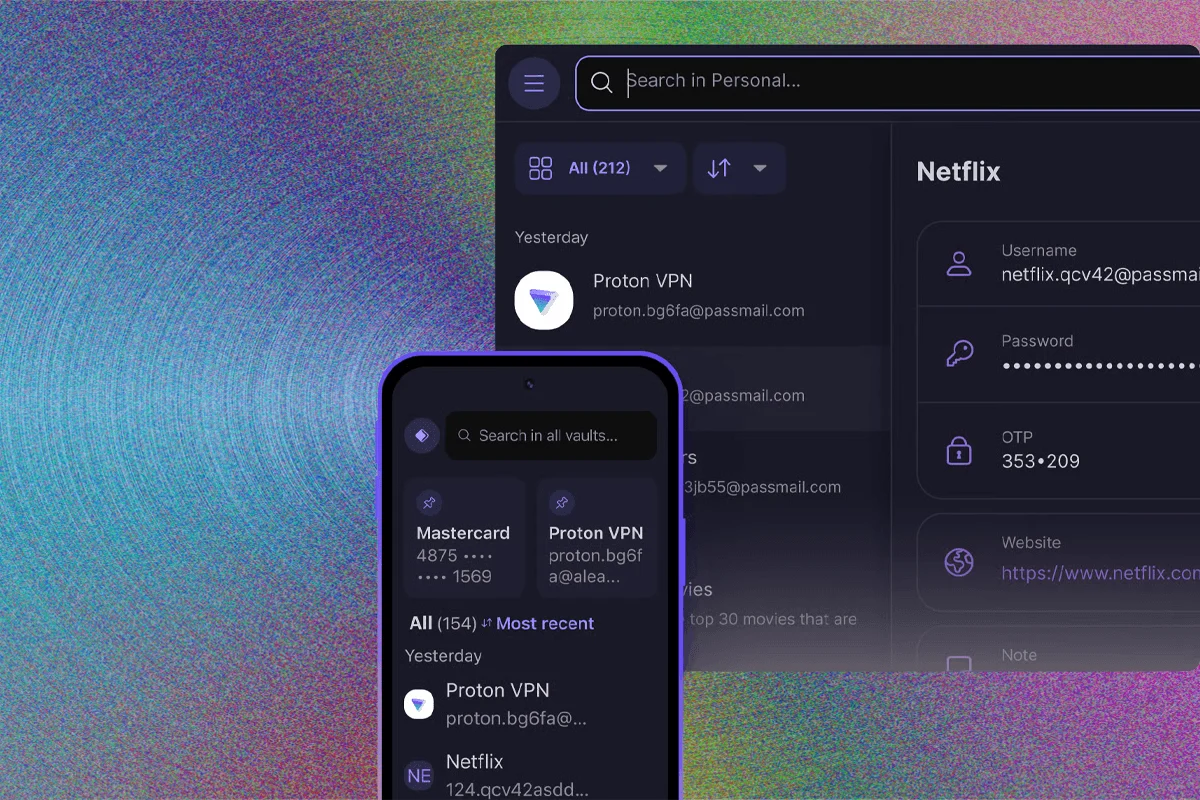
The Best Password Managers to Secure Your Digital Life
Passwords remain the paradoxical cornerstone of modern cybersecurity: they are a classic catch-22. If a password is sufficiently complex to resist brute-force attacks, it becomes nearly impossible for a human to memorize. Conversely, if it is easy to recall, it is invariably insecure. Despite decades of warnings from security researchers, human nature favors convenience. As of August 2026, industry reports confirm that "password" and "123456" continue to hold the top spots as the most frequently used credentials across the global web, closely followed by "admin." This reliance on weak, recycled, or easily guessable credentials creates a massive, persistent vulnerability that threat actors exploit to gain unauthorized access to personal, financial, and corporate accounts.
The persistence of these weak security habits has necessitated the rise of the password manager—a specialized tool designed to offload the burden of memorization and replace weak, reused passwords with unique, high-entropy character strings. While memory experts like Grand Master Ed Cooke might possess the mnemonic skill to track hundreds of complex strings mentally, the average user requires software to handle the heavy lifting. By employing zero-knowledge encryption architectures, these applications ensure that even the service provider cannot see the contents of a user’s vault, effectively mitigating the risk of server-side data leaks.

The Evolution of Authentication: From Passwords to Passkeys
For years, the technology industry has sought to eliminate the password entirely. The FIDO Alliance, a global industry consortium, has spearheaded the development of standardized, passwordless authentication methods. The resulting technology, known as the "passkey," is rapidly gaining traction. Unlike a traditional password, a passkey is a cryptographic key pair generated by a user’s device—typically a smartphone or a secure hardware module. Because the private key never leaves the device and is protected by local biometrics or PINs, it is immune to phishing and server-side credential theft.
The adoption of passkeys mirrors the logic of the xkcd comic strip #927, which warns against creating new standards to replace old ones, yet the monopolistic power of major hardware manufacturers like Apple, Google, and Microsoft has given this transition genuine momentum. In 2026, most reputable password managers have integrated passkey support, allowing users to store and sync these keys alongside their legacy passwords. This creates a bridge to a future where traditional passwords may eventually be obsolete, even if that transition remains years away.
Evaluating the Market: Top Tier Password Management Solutions
Choosing a password manager requires balancing security, cross-platform compatibility, and user experience. Based on recent testing and security audits, several providers have distinguished themselves in an increasingly crowded marketplace.
-SOURCE-Bitwarden.jpg)
Bitwarden: The Gold Standard for Most Users
Bitwarden has solidified its position as the preferred choice for the majority of users, primarily due to its open-source architecture. By making its source code public, Bitwarden allows for continuous, transparent security auditing by the global developer community. This "many eyes" approach significantly reduces the likelihood of hidden backdoors or critical, unpatched flaws.
The service provides a robust free tier with no limits on the number of items or devices. Its premium offering, priced at $10 per year, includes advanced features such as hardware-based two-factor authentication (2FA) via YubiKey or FIDO U2F, as well as health reports that identify weak or reused passwords. With native applications for Windows, macOS, Linux, Android, and iOS, and seamless browser extensions for all major engines, Bitwarden provides a cohesive user experience. Furthermore, for users who prioritize absolute data sovereignty, Bitwarden offers the unique ability to host a vault on a local server, keeping all data entirely off the public cloud.
Proton Pass: The Best Free Alternative
Proton, a company with a long-standing reputation for prioritizing privacy and encrypted communications, has made significant inroads into the password manager market with Proton Pass. It is arguably the most feature-rich free offering available today. Users receive unlimited logins and devices, alongside a built-in password generator and email masking capabilities that protect a user’s actual identity.

Proton Pass excels in its integration with the broader Proton ecosystem, including their encrypted email and VPN services. While the server-side components of Proton Pass remain proprietary—unlike Bitwarden—the client-side applications are open source. For users who do not require advanced features like family sharing, Proton Pass provides a highly secure, privacy-focused foundation that rivals the premium tiers of many competitors.
Keeper: Optimized for Collaborative Security
For small businesses or families requiring complex sharing permissions, Keeper Security remains the industry leader. Rather than treating a vault as a singular entity, Keeper employs a folder-based permission structure reminiscent of enterprise cloud storage. This allows users to delegate access to specific credentials with granular control. Keeper’s ability to generate self-destructing records—which automatically delete after being viewed—makes it an essential tool for high-security environments. While it carries a higher price point than Bitwarden, its scalability and enterprise-grade auditing tools justify the cost for professional users.
1Password: High-End Features for Power Users
1Password continues to be a favorite among power users, largely due to its "Travel Mode." This feature allows users to temporarily strip sensitive data from their devices before crossing international borders, protecting them from invasive border searches. While 1Password uses a proprietary "Secret Key" system that adds a layer of security by requiring a secondary key in addition to a master password, this can also present a recovery challenge if the emergency kit is lost. However, the service’s integration with mobile operating systems—particularly iOS—is industry-leading, offering a level of autofill reliability that most competitors struggle to match.
-SOURCE-Nordpass-(cropped).jpg)
Security Failures and Lessons Learned
The industry is not without its casualties. The security posture of a password manager is the single most important factor in its evaluation. A notable example is the 2022 LastPass data breach, which saw threat actors gain access to encrypted user vaults. The subsequent investigations, which linked the breach to over $180 million in cryptocurrency thefts, sent shockwaves through the cybersecurity community. The primary criticism leveled at LastPass was not just the breach itself, but the lack of transparent, timely communication regarding the extent of the exposure.
In the wake of such incidents, experts emphasize that users must prioritize services that practice "zero-knowledge" architecture. In this model, data is encrypted locally on the user’s device before it is transmitted. Consequently, even in the event of a total server compromise, the service provider possesses nothing but indecipherable, encrypted noise.
Analytical Overview: Why You Should Adopt a Manager
The shift from manual password management to automated, vault-based systems is no longer optional for those who value their digital safety. A professional-grade password manager performs three critical functions:

- Complexity Management: By generating 16-character (or longer) random strings for every account, the software eliminates the possibility of human-driven password patterns.
- Credential Health Monitoring: Modern managers actively monitor public data breaches and notify users if their credentials appear in a leaked database, allowing for immediate password rotations.
- Authentication Streamlining: By integrating with biometrics (TouchID, FaceID, Windows Hello), password managers turn the tedious process of manual entry into a single-tap event.
Implementation Guidelines for Users
For those looking to transition to a more secure system, the following steps are recommended:
- Master Password Generation: Use a "diceware" or passphrase approach. Combine four or five unrelated words to create a high-entropy string that is both long and memorable. This is the only password you will need to commit to memory.
- Disable Autofill: While convenience is the goal, automatically filling forms can sometimes be exploited by malicious scripts. Many security professionals advise setting the browser extension to "manual fill" or "click to fill" to prevent automated credential leakage.
- Implement Hardware 2FA: Regardless of the manager chosen, enable two-factor authentication. Using a physical YubiKey or a time-based one-time password (TOTP) generator adds a vital second layer of defense that cannot be phished.
- Regular Audits: Once a month, review the "Vault Health" report provided by your manager. Update any passwords that are flagged as reused, weak, or compromised in historical breaches.
Conclusion: The Path Forward
The digital landscape of 2026 is defined by increasingly sophisticated automated attacks. The era of using personal identifiers, family names, or simple numerical sequences as passwords has ended. While the industry moves toward the promise of passkeys, password managers provide the only reliable, current mechanism for protecting the vast array of accounts that define our online lives. Whether opting for the transparency of an open-source tool like Bitwarden or the feature-rich ecosystem of 1Password, the most important step is the act of migration itself. Securing your digital identity is not a one-time project, but a continuous process of auditing, rotating, and hardening your access points. In the final analysis, the cost of a premium password manager—often less than the price of a streaming subscription—is an essential investment in the integrity of your personal and professional digital footprint.

Related Posts

The Las Vegas Cybersecurity Summit and the Escalating Threat of Autonomous Digital Exploitation

New York City Council members and privacy advocates launch legislative campaign to ban biometric facial recognition at public entertainment venues