
The Best Password Managers to Secure Your Digital Life in 2026
Passwords remain a fundamental, if deeply flawed, pillar of digital security. They represent a classic catch-22 for the average internet user: a truly secure password must be long, randomized, and unique, yet such requirements render them impossible for the human brain to memorize. In an era where the average person manages dozens of online accounts, the temptation to recycle credentials or rely on simplistic strings like "123456" remains the primary vulnerability in global cybersecurity. As of August 2026, industry data confirms that these rudimentary passwords continue to dominate the landscape, providing an open door for malicious actors to execute credential-stuffing attacks and data breaches.
The evolution of digital authentication has reached a critical juncture. While experts have advocated for a "passwordless" future for over a decade, the practical reality for most users is that static passwords, coupled with multi-factor authentication (MFA), remain the standard. The emergence of passkeys—cryptographic key pairs managed by hardware—represents the most significant shift in authentication technology since the inception of the web. However, until universal adoption occurs, password managers remain the most effective, accessible tool for individuals to mitigate the risks of account takeover.

The Mechanism of Modern Password Management
At its core, a password manager acts as an encrypted digital vault. By requiring a single, high-entropy "master password," these services allow users to generate, store, and automatically fill complex credentials for every service they use. Modern, reputable password managers adhere to a "zero-knowledge" or "zero-access" security architecture. In this model, the service provider never gains access to the user’s unencrypted data. Credentials are encrypted on the local device before they are ever transmitted or synced to the cloud, ensuring that even if the provider’s servers were compromised, the stolen data would remain cryptographically locked and inaccessible to hackers.
This architecture is the industry gold standard. When selecting a tool, users must look for providers that have undergone independent, third-party security audits. Furthermore, the ability to support diverse platforms—including Windows, macOS, Linux, Android, and iOS—is essential for a seamless user experience.
Top Tier Recommendations: Balancing Security and Usability
Bitwarden remains the premier choice for the majority of users, balancing robust security with an open-source model. Because the source code is publicly available for inspection, the platform benefits from constant community vetting, which historically leads to faster identification and remediation of potential vulnerabilities. Bitwarden’s free tier is exceptionally generous, offering unlimited logins and device synchronization, while its premium subscription, priced at approximately $10 per year, introduces advanced features such as YubiKey hardware key integration and detailed vault health reporting.
-SOURCE-Bitwarden.jpg)
For users seeking a more integrated, feature-rich experience, 1Password has long set the benchmark for user interface design and cross-platform reliability. While it operates on a subscription-only model, its "Travel Mode"—which allows users to temporarily remove sensitive data from mobile devices when crossing borders—is a standout security feature for international travelers. 1Password also utilizes a unique "Secret Key" system, adding an extra layer of entropy to the decryption process, which protects against brute-force attacks on the master password.
The Rise of Free and Privacy-Focused Alternatives
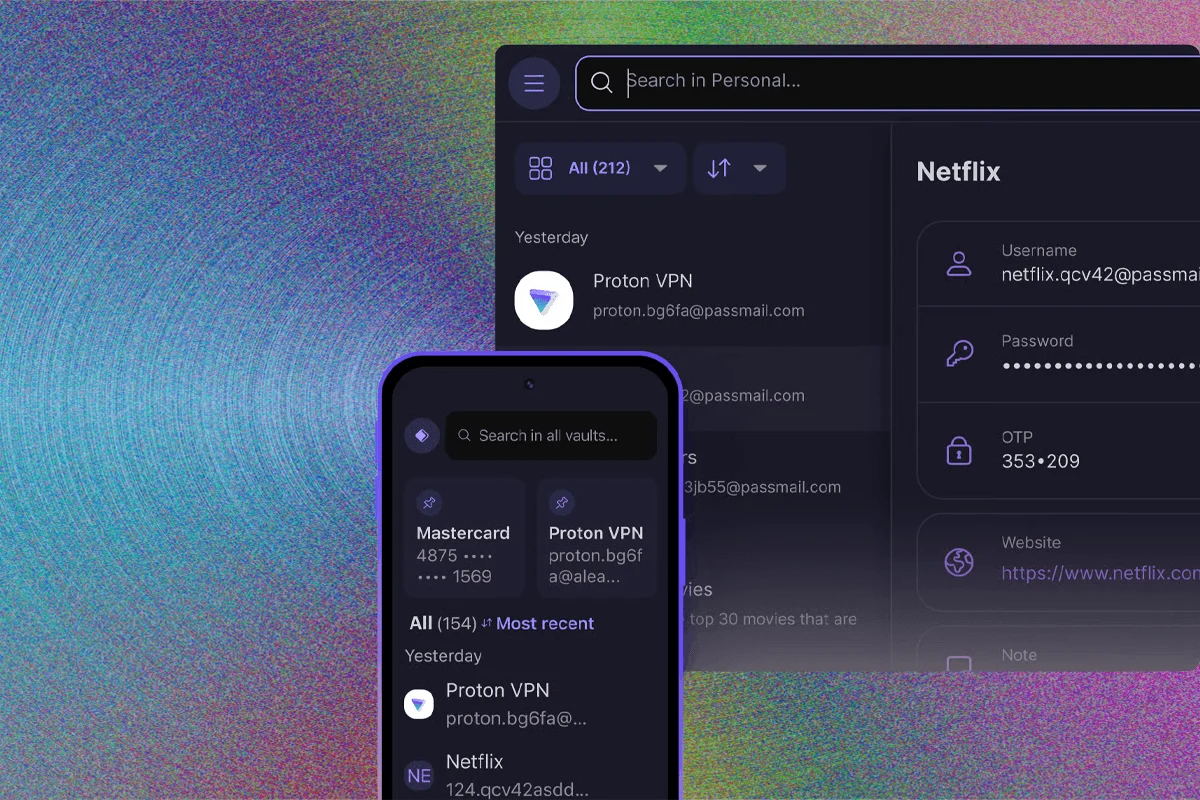
Proton Pass has emerged as a significant disruptor in the market. Backed by the reputation of the Proton ecosystem, which includes the well-regarded Proton Mail and VPN services, Proton Pass offers a competitive free tier that rivals paid services from other vendors. Its focus on privacy and open-source transparency has made it a preferred choice for users already invested in the Proton privacy suite.
For those who prioritize data sovereignty, DIY options like KeePassXC provide a path to full self-hosting. KeePassXC does not use a central cloud server; instead, it manages a local, encrypted database file that the user can synchronize across devices using their own storage solutions, such as NextCloud or encrypted cloud drives. While this requires a higher level of technical proficiency, it removes the reliance on a third-party service provider entirely, effectively eliminating the risk of a central server breach.

Assessing the Risks: Lessons from LastPass
The cybersecurity community continues to grapple with the aftermath of the 2022 LastPass data breach. The incident, which resulted in the theft of vault data and was later linked to massive cryptocurrency losses, served as a painful lesson regarding the importance of transparency and incident response. The failure to disclose the full extent of the breach in a timely manner fundamentally altered user trust in the platform. In the current landscape, providers are held to a higher standard; when evaluating password managers, one must consider not just the technical security, but the track record of the company regarding incident reporting and corporate ethics.
The Transition to Passkeys
Passkeys are not merely a password replacement; they are a fundamental shift toward asymmetric cryptography. Under the FIDO (Fast Identity Online) Alliance standards, a website stores a public key, while the user’s device holds the private key. Authentication occurs when the device proves possession of the private key, usually via biometrics (FaceID, TouchID, or Windows Hello).
Most modern password managers now support the storage and synchronization of passkeys. This allows users to treat passkeys like any other credential, ensuring they can move between devices without losing access to their accounts. While the goal is a password-free internet, the current state of the web requires a hybrid approach. Storing passkeys within a password manager provides a centralized "wallet" for all digital identities, whether they are traditional passwords or modern cryptographic keys.
-SOURCE-Nordpass-(cropped).jpg)
Security Best Practices for Implementation
Regardless of which tool is chosen, the human element remains the weakest link. To maximize the effectiveness of a password manager, users should observe the following guidelines:
- The Master Password: This is the only password that matters. It should be a long, unique passphrase, ideally generated using the Diceware method, which combines multiple random words to create high entropy that is easy for a human to type but impossible for a computer to guess.
- Disable Auto-Submission: While autofill is a convenience, automatic submission of forms can be exploited. It is safer to use a password manager that fills the fields but requires a manual click to submit the login form.
- Hardware Multi-Factor Authentication (MFA): Even with a vault protected by a strong master password, enabling MFA on the vault itself is essential. Using a hardware-based security key, such as a YubiKey, provides a level of protection that software-based TOTP (Time-based One-Time Password) apps cannot match, as hardware keys are immune to phishing.
- Regular Audits: Most top-tier password managers provide a "Vault Health" report. Users should review this monthly to identify reused, weak, or compromised passwords that have appeared in public data breaches.
The Future of Authentication
The reliance on password managers is a transitional phase in the history of the internet. As web standards continue to evolve toward FIDO-based authentication, the need to manage thousands of complex strings will eventually diminish. However, for the foreseeable future, these tools serve as a necessary shield against a digital environment that remains hostile to the average user.
By adopting a reputable, audited, and well-supported password manager, individuals can move from a position of vulnerability to one of controlled, managed security. The investment of time required to set up these tools—migrating existing passwords, enabling MFA, and configuring browser extensions—is trivial compared to the potential cost of a major identity theft event. In 2026, the most effective security measure is not the complexity of the password one remembers, but the robustness of the system one trusts to remember it.

Related Posts

The Las Vegas Cybersecurity Summit and the Escalating Threat of Autonomous Digital Exploitation

New York City Council members and privacy advocates launch legislative campaign to ban biometric facial recognition at public entertainment venues